
Part of the Professional Services industry →
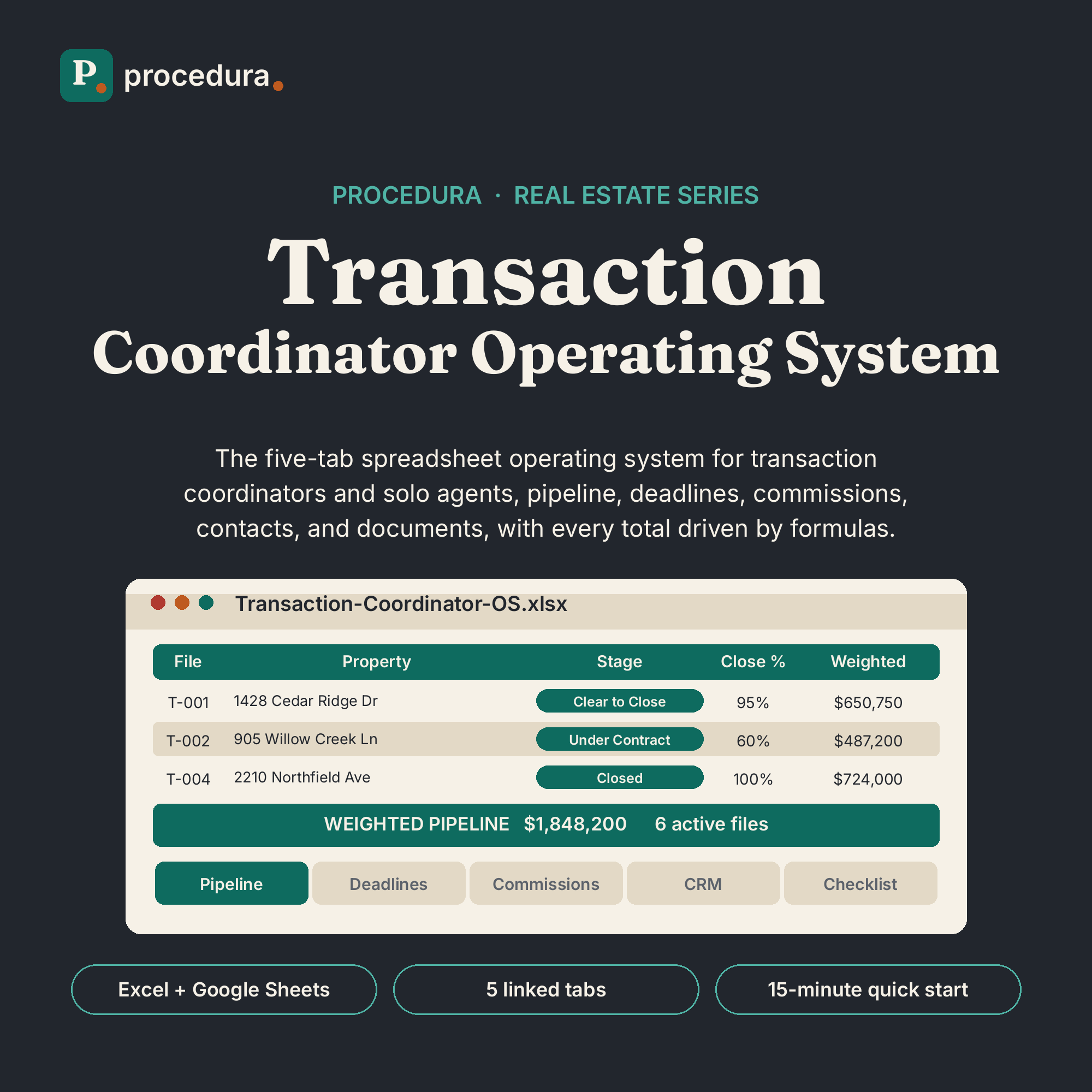
Transaction Coordinator Operating System
Every file, every deadline, every dollar. One workbook keeps transactions on course.
Digital download: a ZIP with the workbook and guide. Buy direct and the download link arrives by email right after checkout. Also available on Etsy if you prefer to shop there. Buy once, yours forever.

Where this fits
Level 2 of 3: Run the operation
Complete operating systems and AI agent systems for the work that repeats every week: estimating, pipeline, bookings, deadlines, follow-up. Linked tabs and automated watchers replace the patchwork of spreadsheets, sticky notes, and memory you run on now.
Shown for the stack. The levels are the same in every industry.
Run the operation
$49 to $199
Own the whole stack
Bundled, about 25% off
What comes next: level 3 products for this industry are in development. Join the launch notes and we will tell you when they land.
What’s included
Everything in the file set.
- Transaction Pipeline TrackerEvery file in one list with stage dropdowns, automatic close probability and weighted forecast, and a summary of active files, weighted pipeline, and closed volume.
- Deadline & Contingency TrackerInspection, appraisal, financing, and title dates measured against today in days-left columns. Overdue dates turn red, the next three days turn amber, and an alerts block counts what needs attention.
- Commission TrackerSale price pulls from the pipeline automatically. Set commission, split, and fee defaults once. Gross, brokerage share, fees, and net are all formulas, with a monthly rollup of closed deals.
- Client & Contact CRMOne row per person: buyers, sellers, co-op agents, lenders, title officers, inspectors. Each row holds the file the contact is tied to, preferred contact method, and follow-up notes.
- Document ChecklistA nine-document checklist on every file. Check a box and the file’s completion percent updates; files with open items past contingency turn amber or red.
- Quick-start guide (PDF)The 15-minute setup, step by step, with realistic fictional sample data already loaded.
Who it’s for
Built for a specific desk.
- Transaction coordinators managing multiple files at once
- Solo agents who coordinate their own transactions
- TCs who want contingency dates watched automatically, not from memory
Requirements
| You need | Microsoft Excel (desktop or web) or a free Google Sheets account |
|---|---|
| No add-ons, no subscriptions, no special software | |
| Sample data is fictional. Overwrite it with your own |
A note from Procedura. Published by Procedura. This is an organizational tracker, not legal advice. It does not provide contracts, legal forms, or compliance guidance. Requirements vary by state and brokerage; check your broker’s policies.
Questions
Asked before you asked.
Still unsure? Write to [email protected]. We answer setup questions about every product.
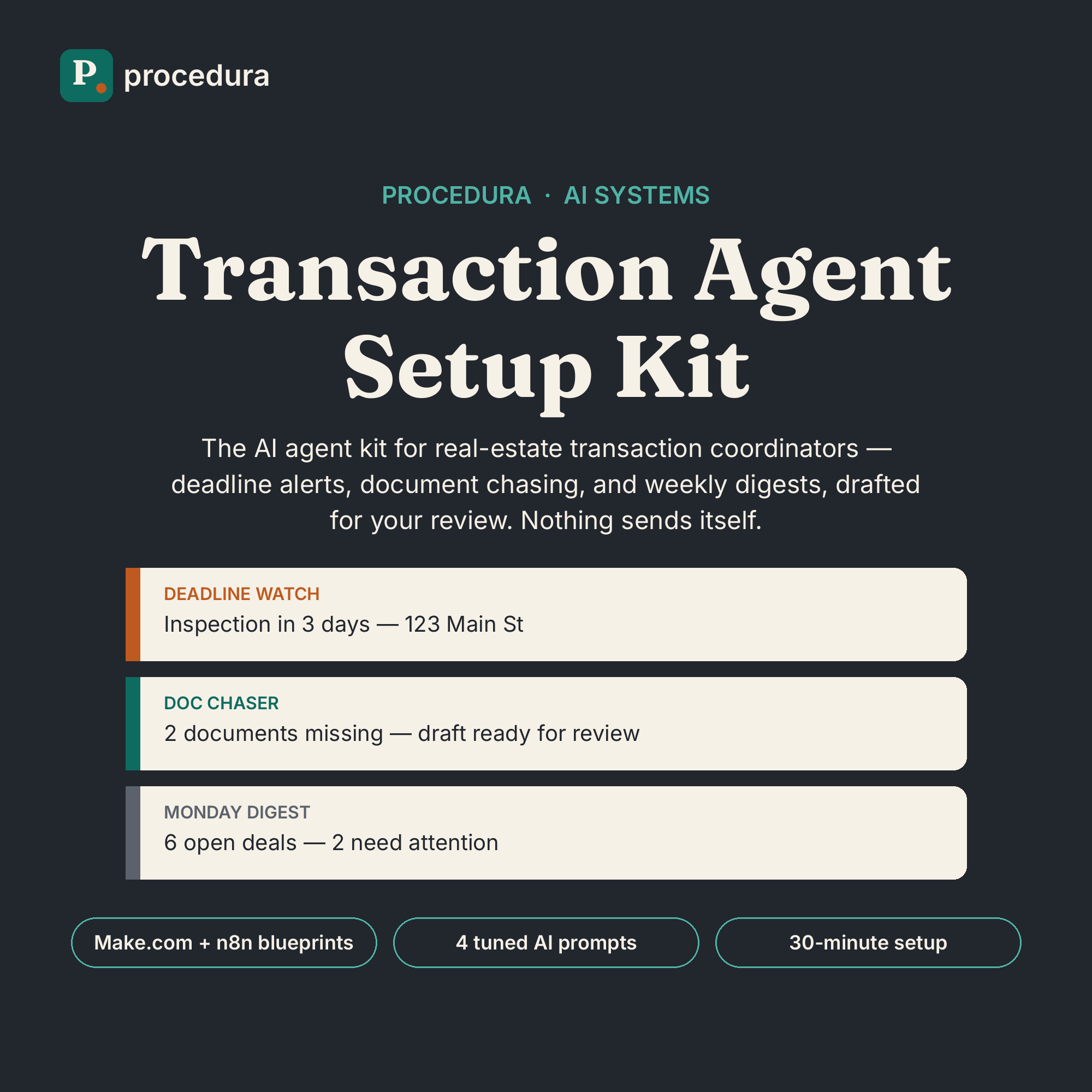
Elsewhere in the stack. Put deadlines on autopilot: the Transaction Agent Setup Kit ($149) watches dates, chases documents, and writes your Monday digest.
No. It is a digital download: a ZIP with the Excel workbook and a PDF quick-start guide. Nothing will be mailed.
Because this is an instantly downloadable file, all sales are final. If your download is corrupted or a file is missing, email [email protected] and we will make it right.
Both. Open the .xlsx directly in Excel, or use File > Import in Google Sheets. Dropdowns, formulas, and conditional formatting carry over.
Yes. It is your file: edit the stage list and close probabilities, rename documents, adjust deadline-alert thresholds, and change commission defaults to match your brokerage.
No. This tracks dates, documents, and income. It does not provide contracts, legal forms, legal advice, or compliance guidance.
If you can type into a cell and pick from a dropdown, you can run this. The guide walks the 15-minute setup step by step.
The launch notes
Occasional, plain-spoken email.
New products, new playbooks, and practical notes on running a professional practice. No spam, no funnels, no daily drip. Unsubscribe anytime.