
Work Orders
Handyman Work Order Template: The Visit on One Page

A handyman visit goes wrong in small ways. The gate code is in a text thread, the approved list is in the quote on the office computer, and one task the customer swears was included is not on any paper at the house. None of that needs software to fix. It needs one page that travels with the job: the work order. Written well, the work order is the visit on one page, from the address at the top to the sign off at the bottom.
Build it in this order: the job address and access notes, the approved tasks copied from the quote with a not to exceed line, the parts and materials to bring, a record of time on site and work actually done, and a place for extra work approved on site to be noted and signed.
Start with the address and how to get in
Put the customer name, the job address, and a phone number at the top. Under that, write the access notes while you still have the customer on the phone: gate or door code, where to park, a dog on site, an alarm, a tenant or a neighbor who will let you in, and any hour the house has to be quiet or clear.
Access notes look minor until they are missing. Ten minutes at a locked gate is unpaid time, and a rescheduled visit costs you a slot that could have gone to another job. Write the notes on the order itself, not in a message thread.
Add the date and the arrival window you promised. The work order is the paper the day runs from, so the promise belongs on it where it can be checked, not remembered.
Copy the approved tasks from the quote
The middle of the page is the approved work, copied line by line from the quote the customer already accepted: each task in plain words, with its price. Do not rewrite the tasks from memory and do not shorten them into vague lines. A quote that named three tasks should reach the house as those same three tasks, worded the same way, so the customer, the person doing the work, and the invoice that follows all describe one job.
Above or below the task list, state the not to exceed line: the top amount the visit is approved to reach. Small jobs grow in small steps, and the not to exceed figure is the point where work stops and a fresh approval starts. It protects the customer from a bill they never agreed to, and it protects you from doing extra work on a nod and then arguing about it at payment time.
If a task cannot be finished, the reason goes on the order in plain words: a part that has to be ordered, damage found behind a fixture, or access that was not there on the day. A task left blank looks forgotten. A task with a reason written beside it looks handled.
List the parts and materials to bring
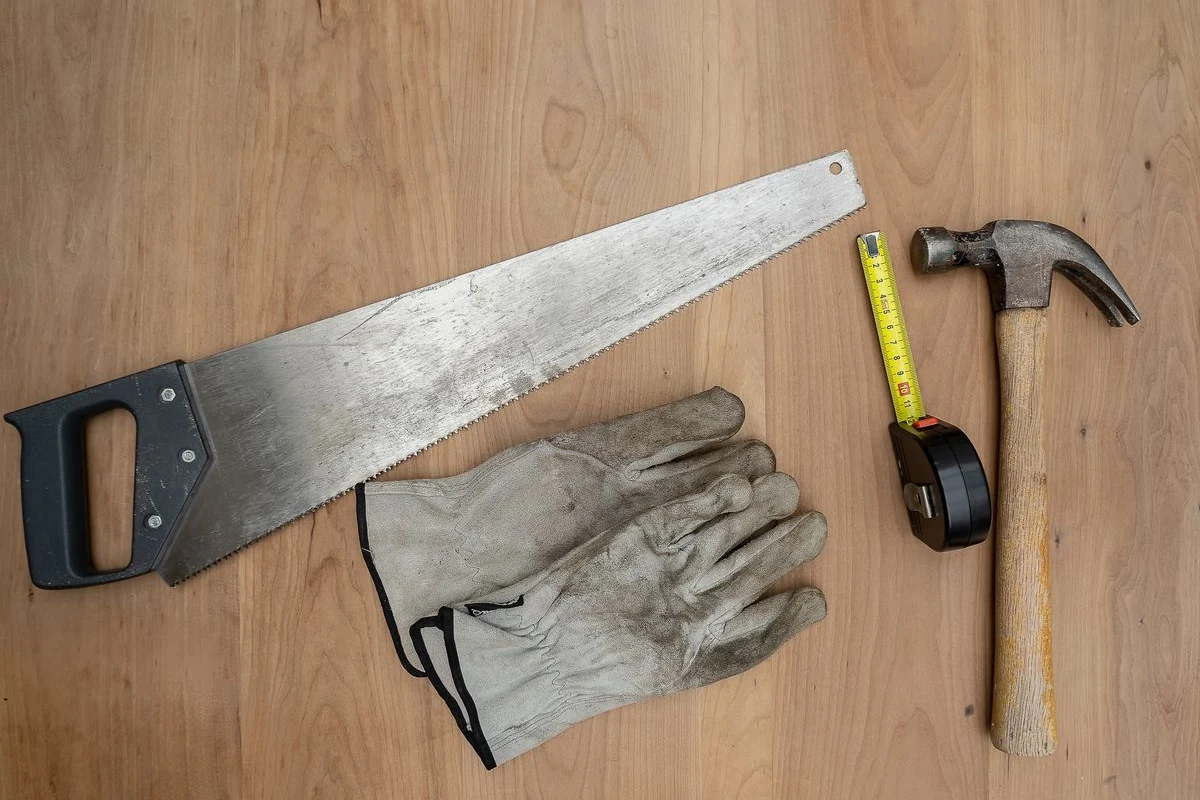
Under the tasks, write what the visit needs: the parts, the materials, and any tool that is not on the truck every day. A faucet of a named size, hinges, anchors, patch material, paint for a touch up, batteries, a ladder tall enough for the one high job on the list.
This block is written at the desk, not at the store counter. A mid job parts run burns the margin on small work, because the job price was set for one visit. Checking the list against the truck takes minutes. When a part is bought during the visit anyway, write it on the order with its cost the same day, so it lands on the invoice.
Record time and the work actually done, before leaving
The bottom half of the page is filled in at the house, not back at the desk. Write the time you arrived and the time you finished. Then, next to each approved task, note what was actually done: done as quoted, done with a change the customer approved, or not done, with the reason beside it.
That record is the visit while it is still fresh. Written that evening from memory, times blur and small tasks drop off the list. Written at the door, it takes two minutes and it is right. It also settles the most common small job dispute: whether a task was done at all.
Note the state you left things in where it matters: water back on, a room usable, a part on order with the return visit date agreed. The customer should be able to read the page after you leave and know exactly where the job stands.

Note extra work and get it signed on site
Small jobs invite one more thing: a loose door noticed on the way out, a second repair in the next room. Extra work is good work when it is handled on paper. Write the added task on the order in plain words, with its price, and note whether it fits under the not to exceed line or needs its own approval. Then get the customer sign off on site, on that line, before the work starts.
That signature is the whole system in miniature. The customer agreed, the price was stated first, and the invoice can bill the task without a debate. Extra work done on a verbal yes and billed later is where trust breaks down on small jobs.
Close the order with the customer signature and the date, and leave a copy or a photo of the page with the customer. The signed order then feeds the invoice directly, task by task.
The Handyman Starter 3-Pack does not ship a work order template. What it ships is the quoting and billing structure a work order runs between: the Quote Builder, whose task dropdowns pull Standard prices from the Price Book automatically, with totals, discount, tax, deposit split, scope, expiry, and signature lines, plus the Invoice + Profit sheet, with deposit and payment tracking in PAID, DUE, or OVERDUE status and a per job profit checker that sets labor, materials, fuel, and dump fees against the quote. $19 launch price, list $29.
Put this thinking to work.
A five-tab spreadsheet operating system for residential electrical contractors: estimate jobs to hit your margin, track every lead, invoice and see per-job profit, manage clients, and log expenses. $119 one-time.
See the Contractor Operating System →Keep reading
More field notes.
Estimate Template vs. Estimating System: What Actually Wins Bids
A template makes one estimate look good. It does nothing for the next fifty. The difference is fixed inputs, feedback, and follow-through.
Business numbersThe 5 Numbers Every Electrical Contractor Should Track Weekly
Are you making money right now? Not last quarter. This week. Five numbers, checked in thirty minutes, tell you whether work is coming in, priced right, and actually getting paid.
The launch notes
Occasional, plain-spoken email.
New products, new playbooks, and practical notes on running a service business. No spam, no funnels, no daily drip. Unsubscribe anytime.